
Webflow still sets the bar for visual website building. That part hasn’t changed. What has changed is the ecosystem around it. In 2026, teams have far more choice, and many of those choices solve specific problems Webflow does not prioritize.
Here’s the thing. Most teams are not looking for “something better than Webflow.” They are looking for something better for their situation. Faster launches. Easier content updates. Lower long-term costs. A CMS that non-designers actually enjoy using.
This guide breaks down the best Webflow alternatives in 2026, with a clear focus on trade-offs. Not hype. Not theory. Just how these platforms perform in real scenarios, especially for designers, startups, agencies, and growing businesses.
Why Look for Webflow Alternatives in 2026?
Webflow excels at visual precision and structured design systems. It also asks a lot from the people using it.
Most teams that switch are not unhappy with Webflow’s output. They struggle with the operational friction around it. The learning curve slows non-designers. CMS updates feel heavier than they should. Costs rise quickly once traffic, localization, or multiple editors enter the picture.
Teams also tend to outgrow Webflow in different directions. Some want less complexity. Others want deeper CMS ownership. Some need commerce features, Webflow handles adequately but not elegantly.
So who benefits most from looking elsewhere?
- Designers who want to ship faster.
- Marketing teams that publish constantly.
- Founders who need predictable costs.
- Agencies managing many client sites at once.
For those cases, Webflow competitors often make more sense.
What to Look for in a Webflow Alternative
The best alternative is rarely the most flexible one. It’s the one that reduces friction for your team.
Design freedom matters, but only if your team can actually use it. We’ve seen agencies choose Wix Studio over Webflow purely because clients can edit content without calling for help. Pixel-perfect control means nothing if every update requires designer intervention.
CMS usability determines whether content teams thrive or bottleneck. Editor permissions, content workflows, and how intuitive the interface feels to non-designers often outweigh advanced structural capabilities. The platform that looks impressive in demos isn’t always the one people enjoy using daily.
SEO and performance separate serious business tools from basic builders. Most modern visual website builders handle the basics. The real difference shows up in advanced control, clean markup, page speed optimization, and how well the platform scales as traffic grows.
Pricing clarity prevents surprises down the road. Some platforms stay affordable as sites multiply. Others add costs for traffic, editors, or features that should be standard. Check not just the starting price but what happens at 10,000 monthly visitors or when you need a third team member.
Consider trajectory, not just current needs. Platforms that work beautifully for MVPs often strain under mature content operations. Starting simple might mean rebuilding later. Starting complex might mean wasting months on features you don’t need yet.
Top Webflow Alternatives in 2026
For this comparison, the focus stayed on how these platforms perform once a site is live, not just how impressive they look during the build phase. Teams often succeed or struggle based on CMS usability, collaboration, scalability, and long-term cost, so those factors carried more weight than surface-level flexibility.
The platforms included here were evaluated through hands-on testing, platform documentation, and common real-world use cases across designers, agencies, startups, and content teams. Each tool was assessed on design control, ease of ongoing updates, CMS strength (and yes, that includes the CMS), SEO readiness, and how well it supports growth without forcing a rebuild.
The result is a curated list of direct Webflow competitors and practical alternatives, not adjacent tools or developer platforms that solve a different problem.
Platform | Best For | Design Control | Ease of Use | Starting Price | CMS Strength |
Framer | Design-led marketing sites | High | Medium | $10/mo | Basic |
Wix Studio | Agencies & businesses | Medium-High | High | $19/mo | Good |
Squarespace | Brand consistency | Medium | Very High | $16/mo | Simple |
WordPress | Content & SEO | Very High | Medium | Free* | Excellent |
Shopify | eCommerce | Medium | High | $39/mo | Commerce-focused |
Dorik | Budget sites | Low-Medium | Very High | $15/mo | Basic |
Hostinger | Beginners | Low | Very High | $2.99/mo | Minimal |
Framer
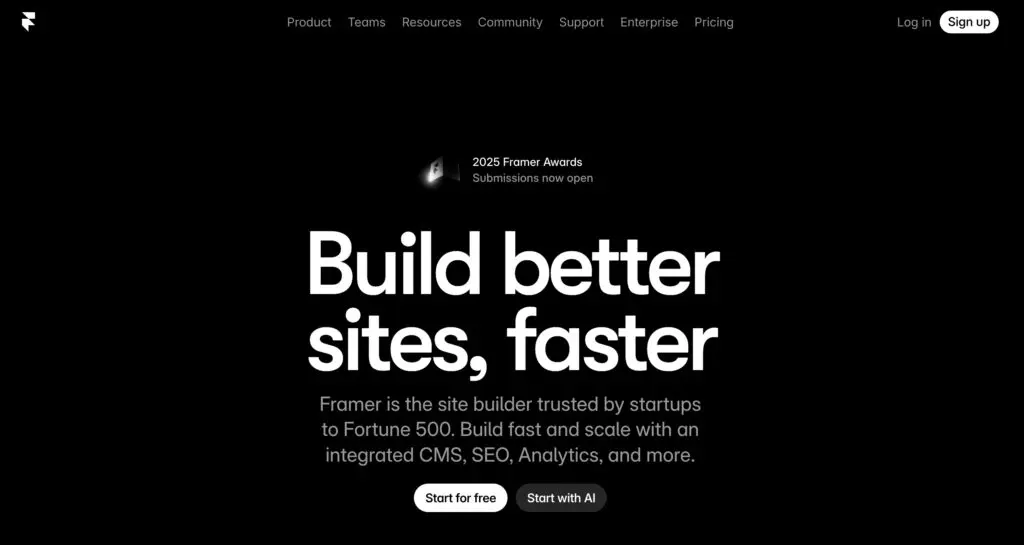
Best For: Designers and startups building visually polished marketing sites fast
Framer cuts through the noise for one reason: speed. When you need a marketing site live in days, not weeks, and design quality can’t suffer, Framer delivers. Teams use it for product launches, SaaS sites, and brand experiments where iteration happens constantly and content structure stays light.
Key Features
- Visual canvas lets you drag, adjust, and see changes instantly
- Animations work through a timeline (think After Effects, not code)
- Lightweight CMS handles simple collections without overcomplicating
- Clean code output keeps sites fast without manual optimization
Framer vs Webflow: Framer prioritizes immediacy and creative flow, while Webflow prioritizes structure and control. If the site needs to look sharp quickly and stay content-light, Framer usually fits better.
Wix Studio
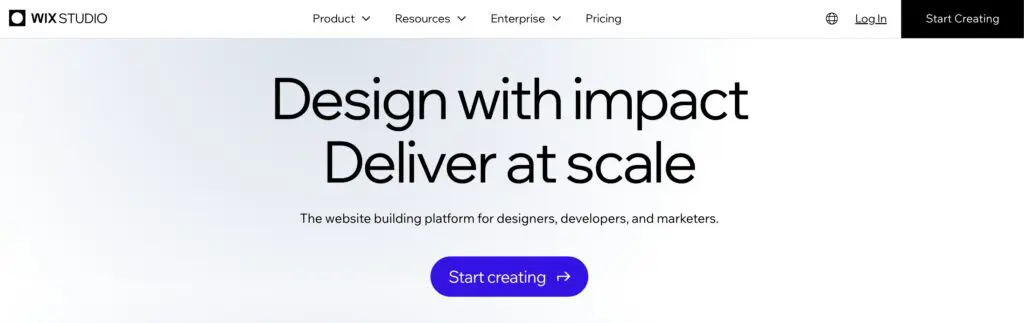
Best For: Businesses and agencies managing multiple sites with mixed technical skill levels
Here’s what Wix Studio actually solves: the handoff problem. Designers build sites that clients can maintain without breaking. The editor provides real design control while keeping content updates simple enough for non-technical teams. For agencies juggling multiple clients, this balance matters more than absolute precision.
Key Features
- Responsive editor uses real layout logic, not breakpoint guessing
- CMS, SEO tools, and analytics built in (fewer plugins to manage)
- Editing stays simple enough for clients to handle solo
- App marketplace adds booking, membership, and specialty tools when needed
Wix Studio vs Webflow: Wix Studio optimizes for ease and collaboration, while Webflow favors precision and structure. When scalability depends on non-designers maintaining the site, Wix Studio tends to win.
Squarespace

Best For: Branding-led sites where consistency and simplicity matter
Squarespace makes a specific bet: consistency over flexibility. The templates enforce visual discipline. The CMS stays deliberately simple. Clients rarely break layouts accidentally. Service businesses, portfolios, and content brands choose it specifically because it removes design decisions rather than multiplying them.
Key Features
- Templates enforce visual consistency (harder to break, easier to maintain)
- CMS focuses on pages and blogs without database complexity
- Commerce and scheduling work natively, no bolt-ons required
- Hosting and security updates happen automatically in the background
Squarespace vs Webflow: Squarespace enforces consistency, while Webflow enables flexibility. If the goal is to keep the site clean and easy to manage long-term, Squarespace is often the safer choice.
WordPress (with modern visual builders)
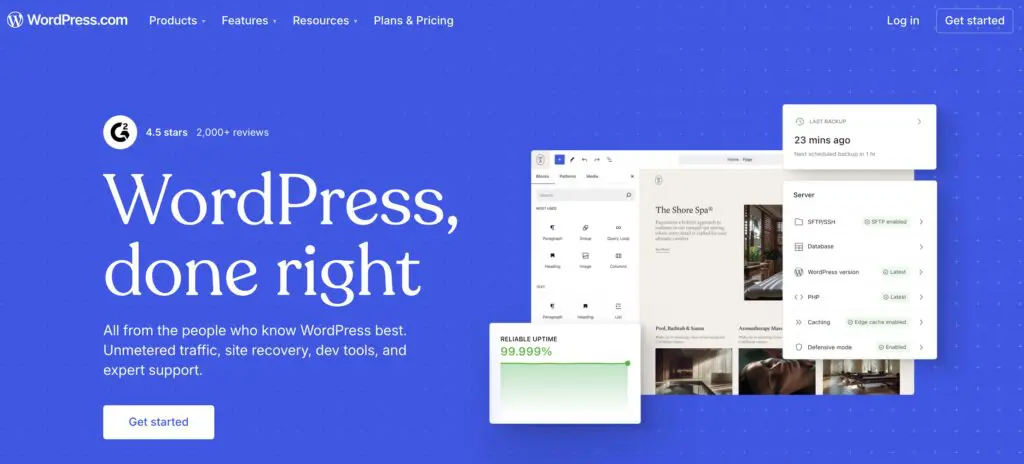
Best For: Content-heavy sites and SEO-driven businesses
WordPress works like LEGO blocks. Ultimate flexibility, some assembly required. Paired with modern visual builders like Gutenberg or Bricks, it closes the design gap with hosted platforms while keeping the CMS power and ownership that made it dominant. Content volume, SEO control, and avoiding platform lock-in drive the choice.
Key Features
- Open-source means you own everything (content, design, hosting choice)
- Visual builders bring drag-and-drop to WordPress’s powerful CMS
- Plugin ecosystem solves nearly any requirement (SEO, forms, memberships)
- Scales to millions of visitors with the right hosting setup
WordPress vs Webflow: WordPress offers ownership and extensibility, while Webflow simplifies hosting and structure. For teams investing heavily in content and search performance, WordPress still sets the ceiling.
Shopify

Best For: Businesses where eCommerce drives revenue
Shopify exists to optimize selling, not just site building. Product management, checkout optimization, payment reliability, inventory systems. Everything gets built around transactions. Design flexibility takes second place to commerce infrastructure. Brands choose it when revenue flows through the site, not just leads.
Key Features
- Product management handles thousands of SKUs without performance issues
- Checkout reflects years of optimization across billions of transactions
- App ecosystem covers subscriptions, shipping, marketing, fulfillment
- Infrastructure auto-scales during traffic spikes (no manual intervention)
Shopify vs Webflow: Shopify excels at commerce, while Webflow excels at marketing and storytelling. If revenue flows through transactions, Shopify remains the more dependable foundation.
Dorik
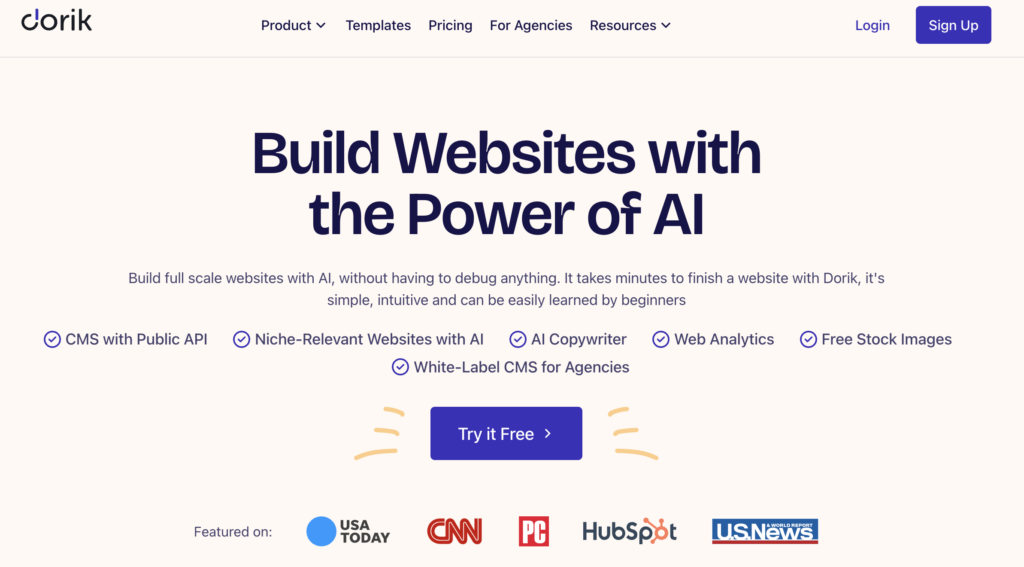
Best For: Freelancers and small teams launching simple sites on a budget
Dorik strips away everything except speed and cost. No advanced features. No complex workflows. Just fast launches for simple sites where budget matters more than future complexity. Freelancers use it for client sites that need to exist but don’t need to impress technically.
Key Features
- Drag-and-drop keeps decisions minimal (good for speed, not complexity)
- AI builds starting points in minutes from basic prompts
- Simple CMS covers blogs and basic content without feature bloat
- Pricing stays predictable and low (no surprise fees)
Dorik vs Webflow: Dorik emphasizes accessibility and cost, while Webflow emphasizes control and scalability. When speed and budget come first, Dorik does the job without overengineering.
Hostinger Website Builder
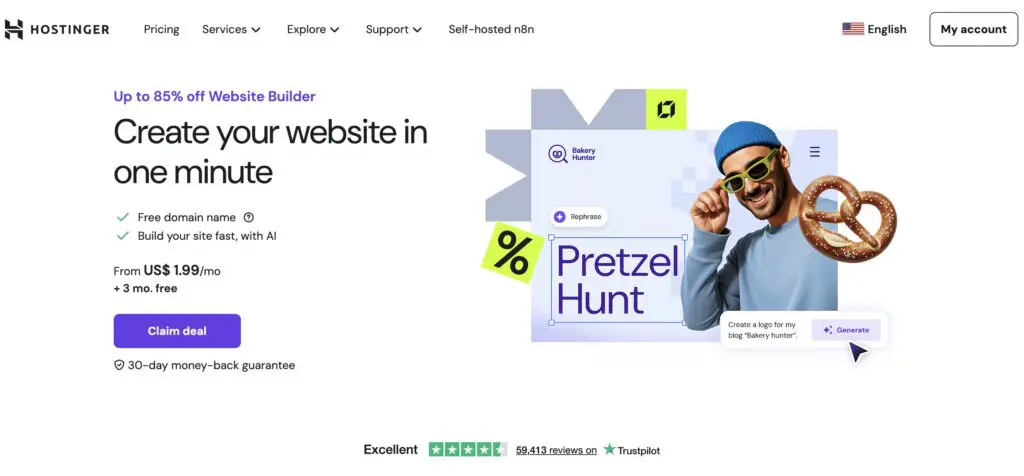
Best For: Beginners and budget-conscious users who want an all-in-one solution
Hostinger bundles hosting, design, and publishing into one predictable package. The builder intentionally limits customization to keep things approachable. Beginners get sites live without understanding servers, DNS, or deployment. The simplicity is the feature, not a compromise.
Key Features
- AI creates functional sites from simple descriptions
- Hosting and optimization bundled (no separate services to configure)
- Interface hides all technical complexity completely
- All-in pricing covers domain, SSL, hosting with no add-on traps
Hostinger vs Webflow: Hostinger prioritizes simplicity, while Webflow supports complex design systems. Hostinger fits best when the site’s scope is small and unlikely to grow significantly.
How to Choose the Right Webflow Alternative
Start by identifying your core need.
- Designers optimizing for creative output gravitate toward Framer or stick with Webflow.
- Content teams managing publications or knowledge bases often find WordPress’s CMS unmatched.
- Businesses without technical resources need tools like Wix Studio or Squarespace that anyone can operate.
- eCommerce operations require Shopify’s specialized features.
- Budget-sensitive projects benefit from platforms like Dorik.
Think beyond the launch. Migration costs and friction compound over time. Switching from Squarespace to WordPress three years later means rebuilding. Starting with WordPress might involve more initial setup, but removes platform constraints as you grow.
Consider your trajectory, will you need custom functionality eventually? How will your content volume scale? Does your team composition change?
Evaluate your team’s actual capabilities. Honest assessment saves time. A designer comfortable with Figma can learn Framer quickly. A marketing team without technical background will struggle with Webflow regardless of tutorials. The “best” platform is the one your team can actually use effectively.
Test the critical path. Sign up for trials and build something real. Not the homepage, build the page type you’ll create repeatedly. If it’s blog posts, test the content editing workflow. If it’s product pages, test the eCommerce interface. The friction you feel in trial mode multiplies across hundreds of pages.
Understanding how design workflows translate between tools helps, too. Moving from Figma to website builders involves different processes depending on which platform you choose.
Webflow vs Alternatives: The Real Takeaway
Webflow is not the default best choice anymore. It is the best choice for a specific type of team.
In 2026, no-code website builders specialize. Some optimize for speed. Others for content. Others for commerce.
The smartest teams choose platforms based on how work actually happens, not on design potential alone.
That said, the platform matters less than the execution. A beautifully designed site built on the right foundation delivers results regardless of which builder powers it.
Need help choosing and building? Buzzcube works across all major platforms: Webflow, WordPress, Shopify, Framer, and more. We match the tool to your goals, then design and develop sites that actually perform. Explore our web design and development services or reach out to discuss your project.
Frequently Asked Questions
What is the best Webflow alternative in 2026?
There is no single best option. Framer works best for design-led marketing sites. Wix Studio suits businesses and agencies. WordPress dominates content-heavy projects.
Which no-code website builder is best for designers?
Designers typically choose Webflow or Framer. Framer favors speed. Webflow favors structure.
Are no-code builders good for SEO?
Yes, when configured properly. WordPress offers the deepest SEO control. Webflow, Wix, and Squarespace handle most needs well for non-enterprise sites.
Can teams migrate from Webflow to another platform?
Yes, but content structure matters. CMS-heavy sites require planning to avoid data loss.
Is there a cheaper alternative to Webflow?
Dorik, Hostinger, and Squarespace offer lower entry costs, with trade-offs in flexibility.